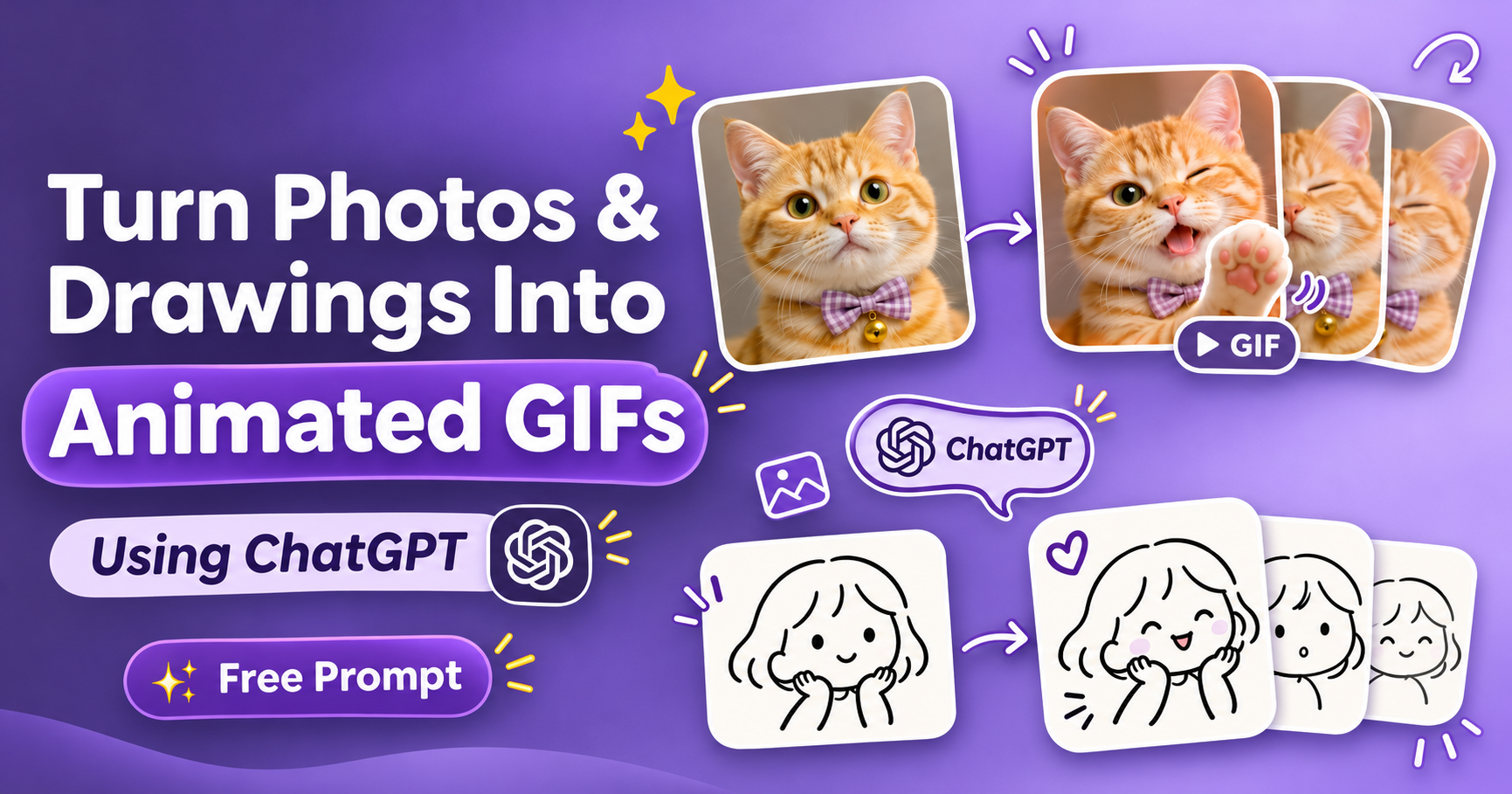
Ever looked at a cute photo of your pet and wished you could make it blink, wave, or do something adorable?
Well, apparently, ChatGPT can help with that now! 🐱
OpenAI recently introduced ChatGPT Images 2.6, and one of the fun new additions is the ability to create animated GIFs.
Of course, I had to try it with my cat’s photo. And the result? Pretty adorable, if you ask me. 😭
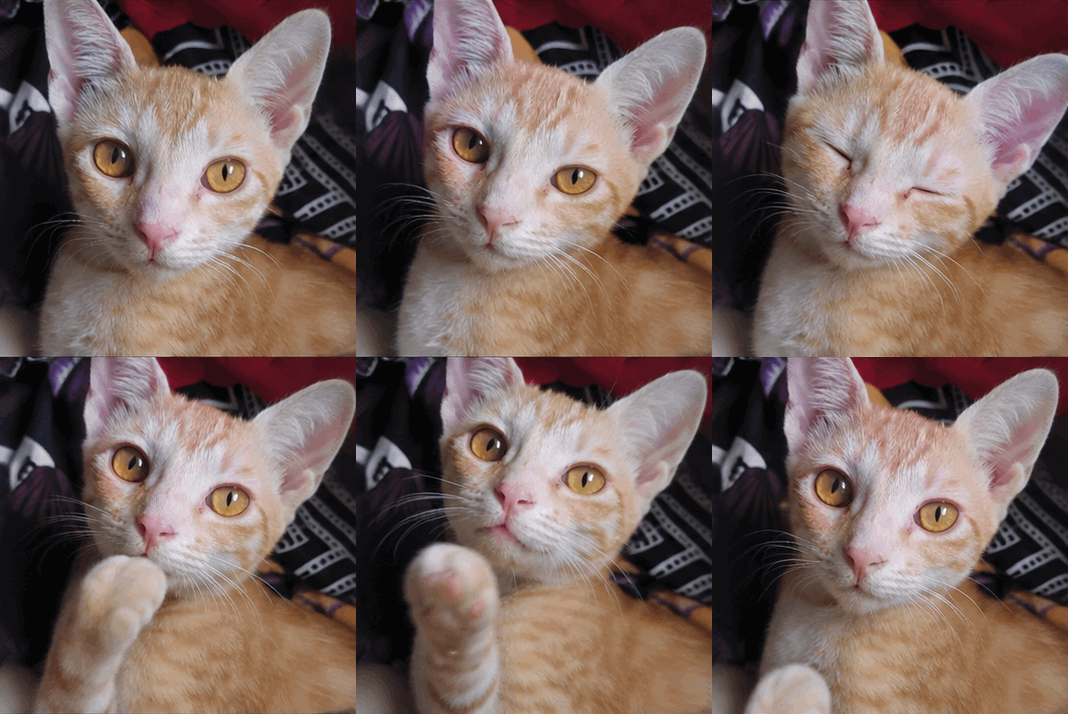
The best part is that you’re not limited to pet photos. You can also bring your doodles, illustrations, characters, and even product images to life.
And you don’t need to know anything about animation to get started.
What’s New in ChatGPT Images 2.6?
Released on November 4, 2026, ChatGPT Images 2.6 brings faster image generation, improved consistency when editing images, and the ability to create animated GIFs.
That means you can now experiment with things like:
- Making your pet blink or wave its paw
- Turning a simple doodle into a moving character
- Bringing illustrated mascots to life
- Creating animated reactions and stickers
- Adding subtle movement to product images
You can even start with a simple hand-drawn sketch. It doesn’t have to be a polished illustration!
How to Turn a Photo Into an Animated GIF Using ChatGPT
It’s surprisingly simple.
Step 1: Upload your image
Open ChatGPT and upload the photo, drawing, or illustration you’d like to animate.
Step 2: Tell ChatGPT what should move
Be specific about the action. For example, you could ask your cat to blink, a cartoon character to wave, or a flower to gently sway.
Step 3: Generate your GIF
Ask ChatGPT to create a seamlessly looping animated GIF.
Step 4: Save/Share your Gif
Once you’re happy with the result, save your GIF. You can also experiment with the playback speed.
And that’s pretty much it!
Free ChatGPT GIF Prompt Template (Copy & Paste)
Want to try it yourself? Here’s a simple prompt you can use with almost any image.
Universal GIF Prompt
Turn my uploaded image into a smooth, seamlessly looping animated GIF. Animate [describe the movement or action]. Preserve the original subject's appearance, colors, style, and background. Keep the camera stationary, movements natural, and visual details consistent throughout. Ensure the animation loops smoothly without abrupt changes or distortions.
Just replace [describe the movement or action] with whatever you want your subject to do.
For example: “Make the character blink and wave,” or “Make the flower gently sway in the breeze.”
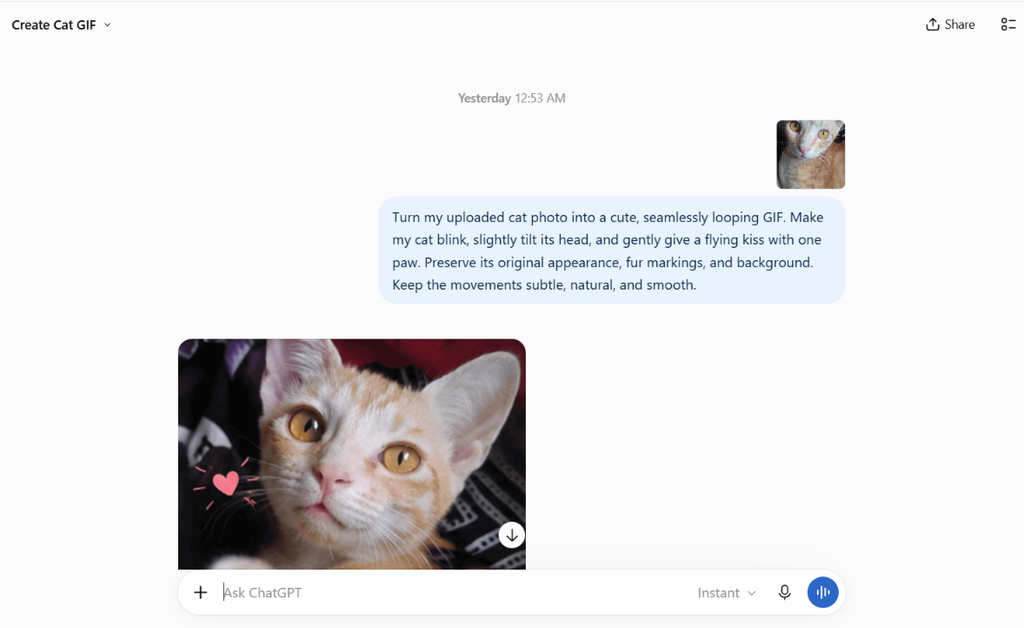
The Prompt I Used to Animate My Cat’s Photo 🐾
Here’s the prompt I used for my little experiment:
Turn my uploaded cat photo into a cute, seamlessly looping GIF. Make my cat blink, slightly tilt its head, and gently give a flying kiss with one paw. Preserve its original appearance, fur markings, and background. Keep the movements subtle, natural, and smooth.
A little tip: If you’re working with a real photograph, try keeping the movements small and natural. Asking for too many actions at once can sometimes make the animation look a little strange.
What Else Can You Animate?
This is where things get interesting.
1. Your doodles and sketches
Got a cute little character sitting in your sketchbook? Upload it and ask ChatGPT to make it blink, jump, or wave.
2. Illustrations and mascots
Make your illustrated characters more expressive with a simple head tilt, smile, or playful bounce.
3. Product photos
Experiment with floating products, gently moving backgrounds, or subtle visual effects.
4. Cute reaction GIFs
Create your own animated characters showing excitement, surprise, happiness, or whatever mood you’re going for.
5. Everyday objects
How about steam rising from a coffee cup, a candle flickering, or a flower swaying in the wind?
There are plenty of possibilities, and half the fun is experimenting to see what works.
A Few Tips Before You Try It
You don’t need a complicated prompt, but a few small details can make a difference.
- Keep it simple. Start with one or two movements.
- Be specific. “Make the cat blink slowly” works better as an instruction than simply saying “animate this.”
- Preserve the original details. Ask ChatGPT to keep the subject’s colors, features, and background consistent.
- Aim for a smooth loop. Mention that the movement should return naturally to its starting position.
And don’t worry if your first attempt isn’t perfect. Try adjusting the movement or simplifying the prompt.
Note: GIF creation is gradually rolling out in ChatGPT, so the feature may not be available to everyone immediately.
Ready to Bring Your Images to Life?
Whether it’s a funny pet moment, a quick sketch, or an illustrated character you’ve created, this is such a fun way to experiment with ChatGPT.
I started with my cat, but now I’m tempted to animate just about everything. 😂
Give the prompt a try with your own image!
And for more creative AI tricks, design tutorials, and free resources, follow Your Social Bae. 💜
Source: OpenAI — Introducing Images 2.6
Must Read: Top 10 Engaging Instagram Comment Ideas to Attract More Followers