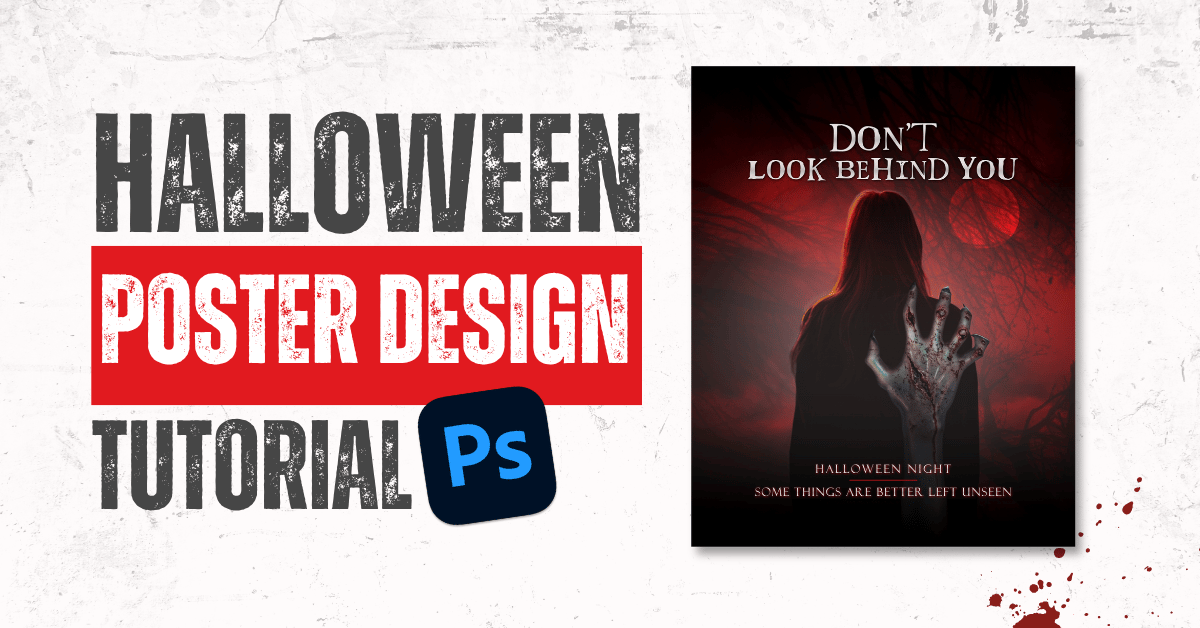
Imagine you’re walking in the dark, and suddenly you feel that someone is following you from behind. You don’t know who it is, but something is there behind you. This is the kind of creepy and suspenseful vibe I wanted to create with this Halloween poster.
I’ve shared the complete Photoshop tutorial below along with the assets that I’ve used in the design, so you can follow along and create your own version.
Halloween Poster Design Tutorial in Photoshop
Design Resources:
Want to try this design yourself? I’ve listed the resources used in the tutorial below to make things a little easier for you.
You’ll find the AI-generated images available to download, along with links to the original sources for any assets downloaded from other websites.
Here are the resources:
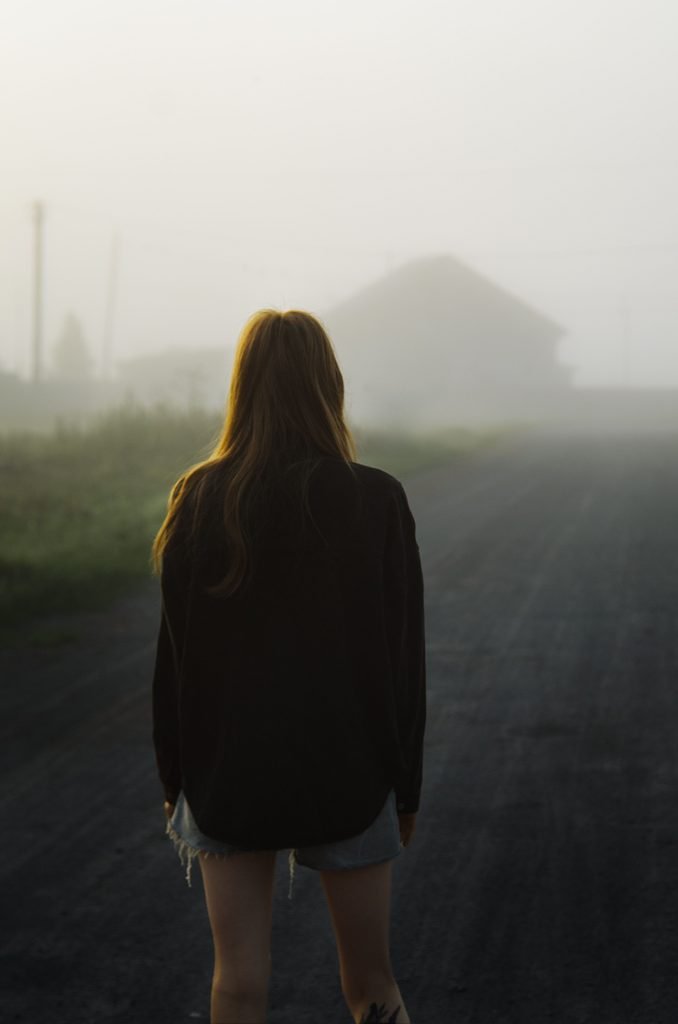
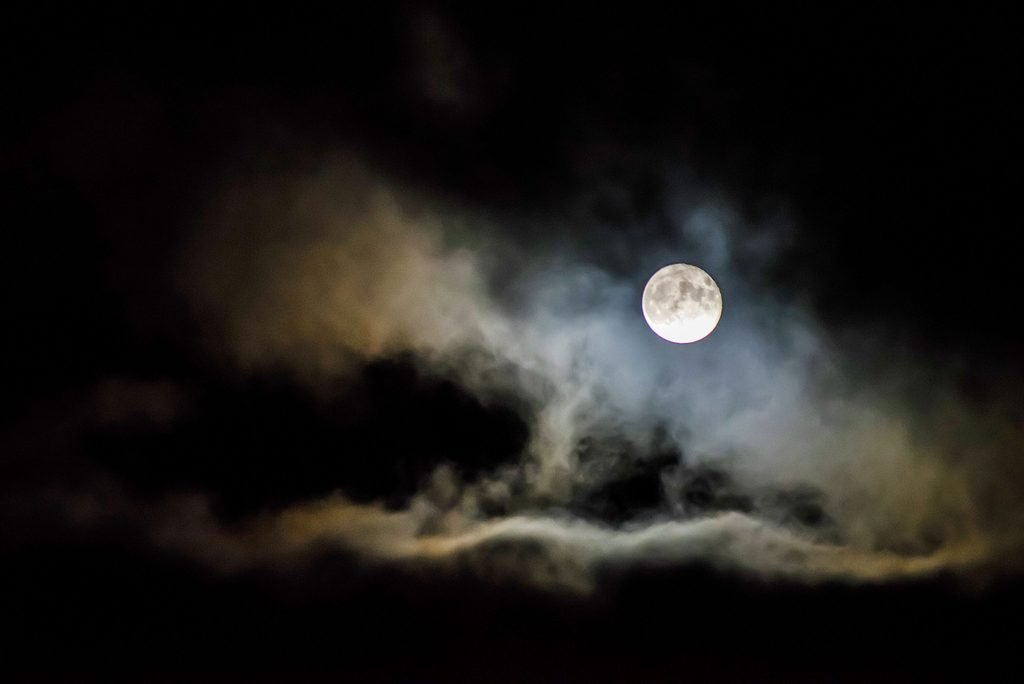
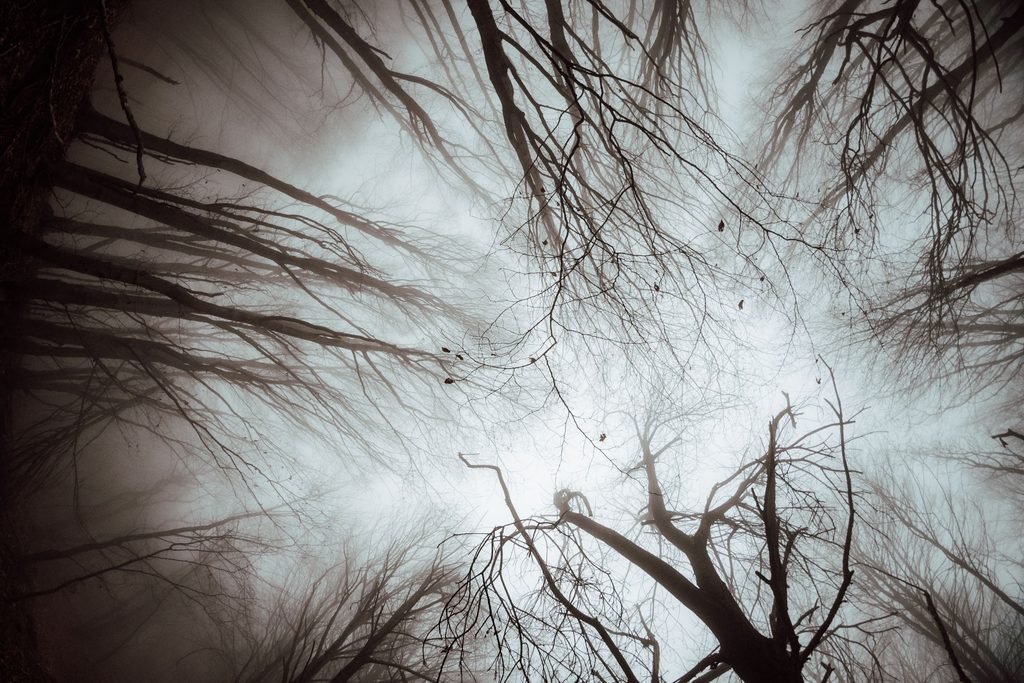
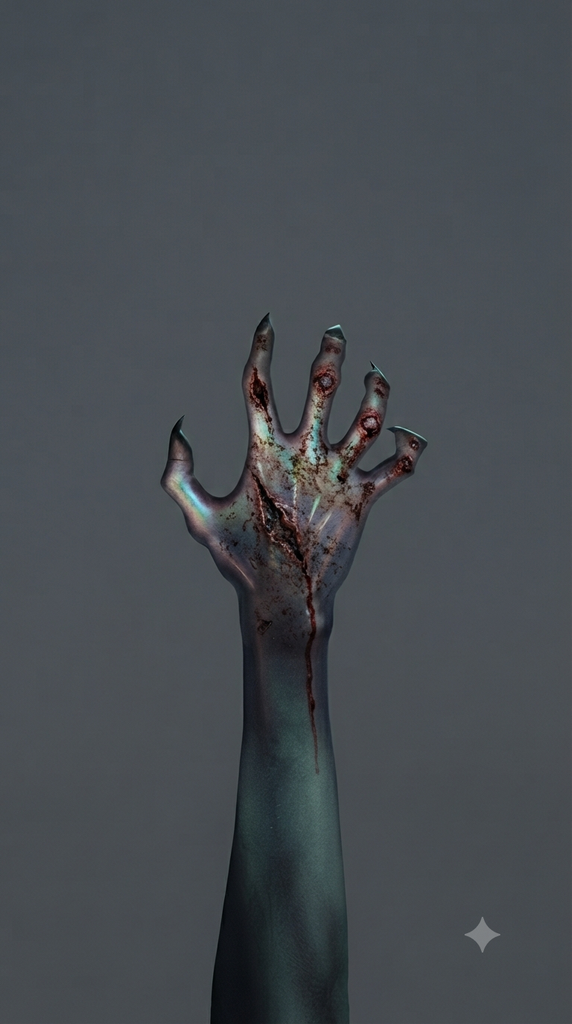
Fonts used in the design:
Note: Some resources may link to external websites. Please check their usage licences before using them in your own projects.
Final Thoughts
And that’s how you can create a spooky Halloween poster in Photoshop! I hope this tutorial inspires you to experiment with your own ideas and create something fun.
If you try this design, feel free to tag me @yoursocialbae on Instagram. I’d love to see your version.🎃
For more design tutorials, creative tips, and useful resources, follow Your Social Bae on YouTube and Instagram.
Happy Designing!